Top
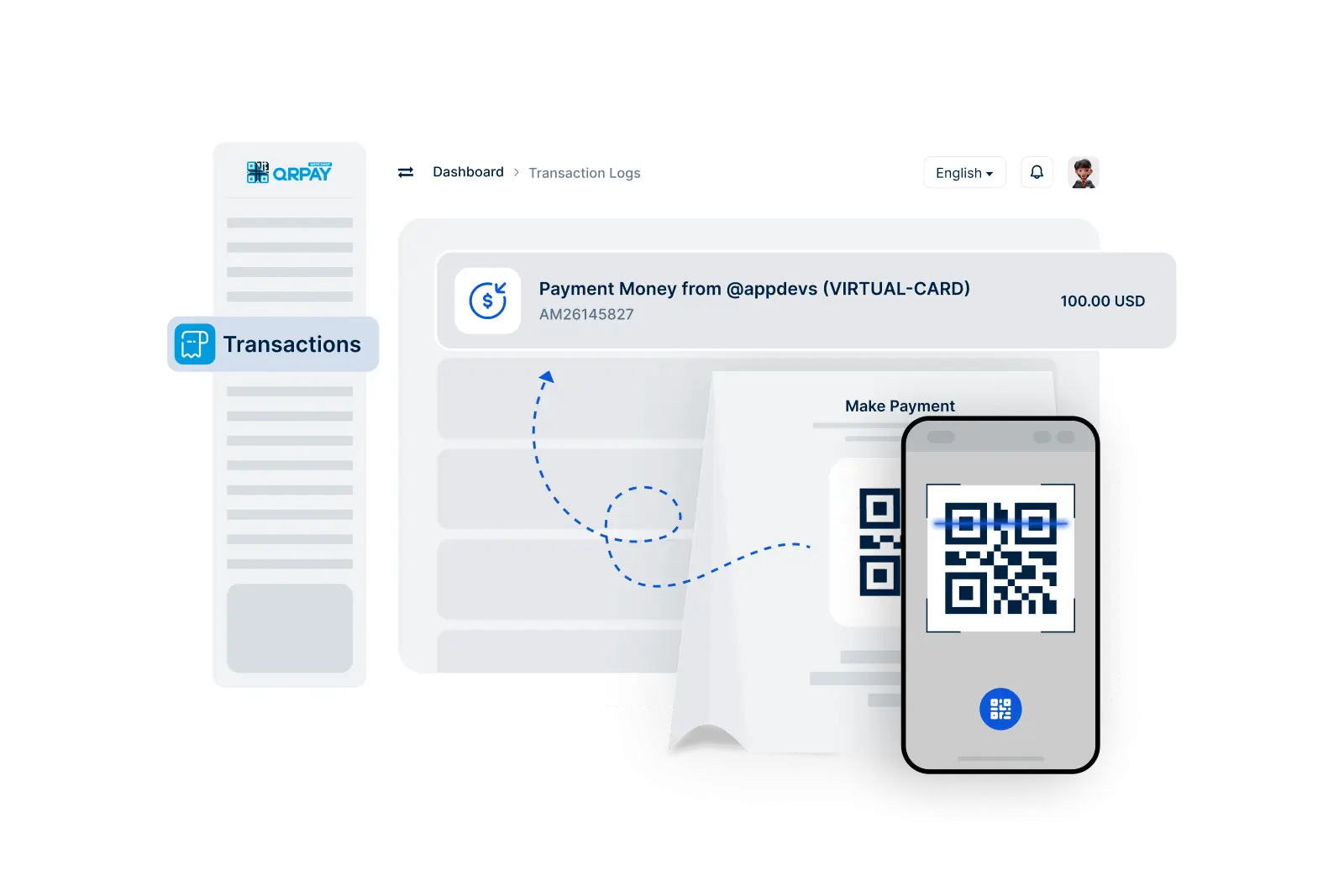
Make Payment

Quick and Convenient Payments to 3S PAY Merchants

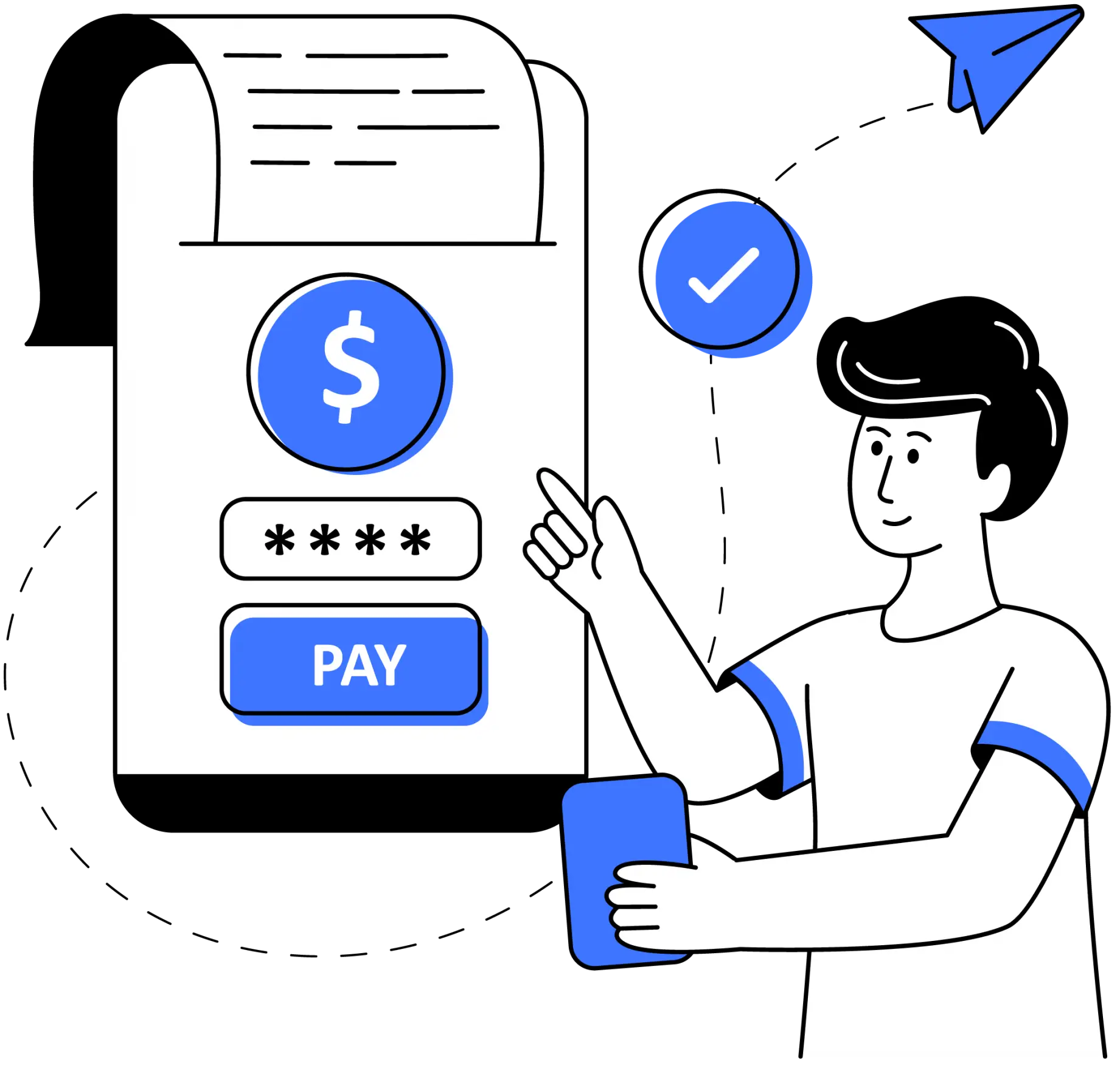
With 3S PAY, making payments for your purchases has never been easier. As a user, you can effortlessly transfer funds to merchants registered on the 3S PAY platform. Enjoy the convenience of using your 3S PAY account for all your transactions while benefiting from robust security measures that protect your financial information.

    Make Payments in 3 Simple Steps

  • 1. Scan Merchant QRCode
  • 2. Enter Amount
  • 3. Confirm the Payment
img

Follow these straightforward steps to complete your payment effortlessly.

Frequently Asked Questions About Making Payments

Find answers to your questions regarding the payment process in 3S PAY.

How can I make a payment using 3S PAY?

To make a payment, navigate to the Make Payment feature, select the 3S PAY merchant you wish to pay, enter the payment amount, and confirm the transaction. Your funds will be transferred instantly.

Can I pay any merchant with 3S PAY?

No, payments can only be made to merchants registered on the 3S PAY platform. Ensure you are paying a 3S PAY merchant to complete your transaction successfully.

Are there any fees for making payments with 3S PAY?

3S PAY typically does not charge fees for making payments. However, individual merchants may have their own policies regarding fees, so it's advisable to check before confirming your payment.

How will I know if my payment was successful?

Once you confirm the payment, you will receive a notification confirming the success of your transaction. You can also check your transaction history for confirmation.